
When I finish a photo session, the photographs are not ready. Taking them is only one part of a much larger process that starts before we meet and continues until your finished gallery arrives in your inbox.
There are five main tools supporting almost every photo session I photograph: Pixieset, Narrative Select, Lightroom, JPEGmini and Canva. But they are not a collection of apps I happened to start using over the years. Each one has a specific place in a system.
I have always worked this way. Before becoming a photographer, I studied Economic Engineering and later completed a Master's in Finance. Identifying processes, finding bottlenecks, creating manuals and looking for better ways to use time were part of my training. That way of thinking never disappeared when I became a photographer.
If a repetitive part of my work can be made more efficient without affecting quality, I want to find a solution for it. If someone else can perform a specialised task better than I can, I want the right person doing it. But there is one thing I don't want to remove from the process: the decisions.
Technology can help me organise thousands of photographs, check focus, edit more efficiently and deliver lighter files. It cannot know what mattered during the hour we spent together. I do. The workflow actually starts before we take a photograph
The first tool in the process is Pixieset, and it enters much earlier than the final gallery. When you send a booking request, Pixieset becomes the place where I manage your inquiry, booking, contract, questionnaire, emails, scheduling, reminders and payment. Eventually, it is also where you receive your photographs. Some parts of that system are automated. Others deliberately aren't.
For example, I personally approve every booking request. I photograph throughout Amsterdam and sometimes outside the city, so two sessions that look perfectly possible on a calendar might not actually work together. I need to know where each client will be and make sure I have enough time to travel between them.
Amsterdam is small, and I can cycle across much of it quickly. My office is also located in the middle of the Canal Belt, giving me flexibility to make quick changes when needed, especially when rain affects a client with a tight schedule. That flexibility is part of the system too, but it still requires a human looking at the complete picture.
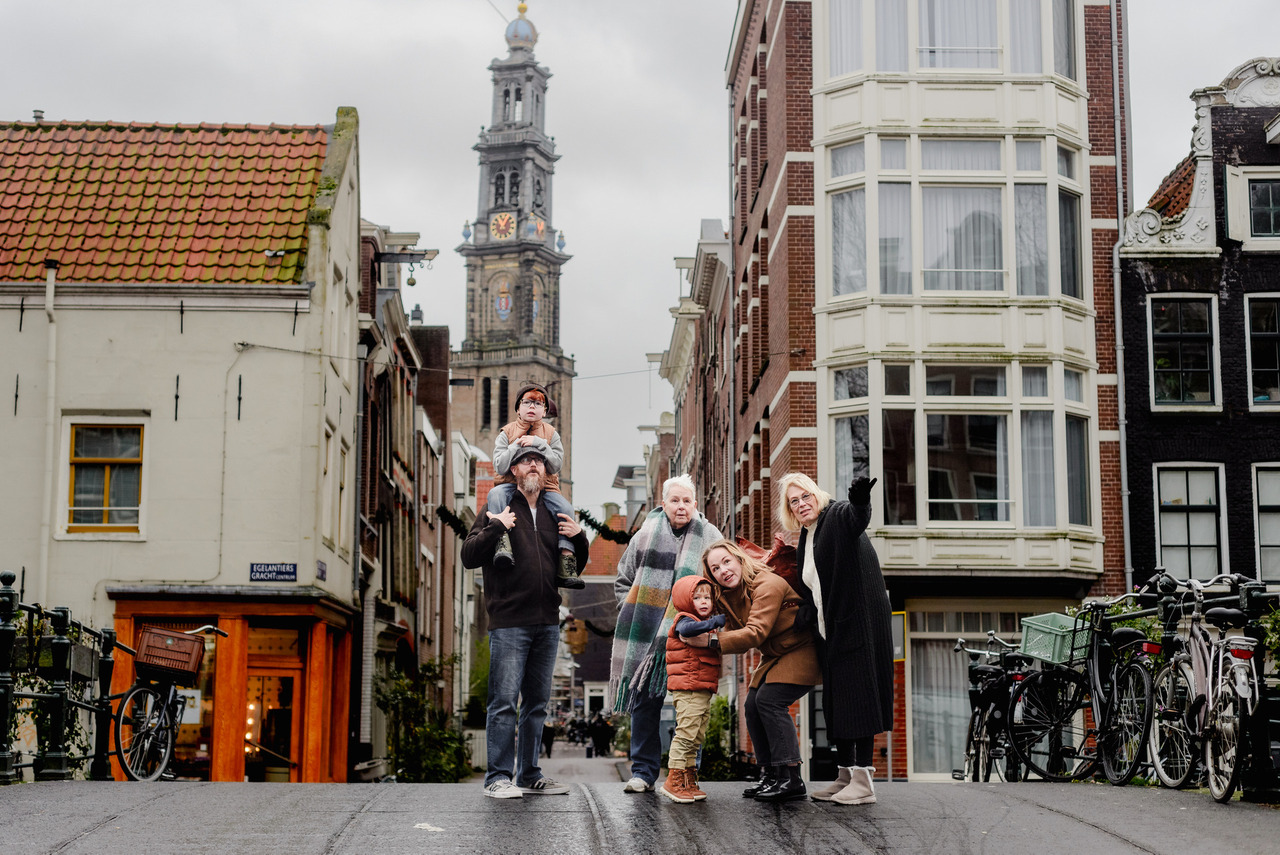
The same happens with your questionnaire. Different types of sessions have different questionnaires because I need different information from them. A family doesn't have the same needs as someone secretly planning a proposal. A branding client needs something completely different again.
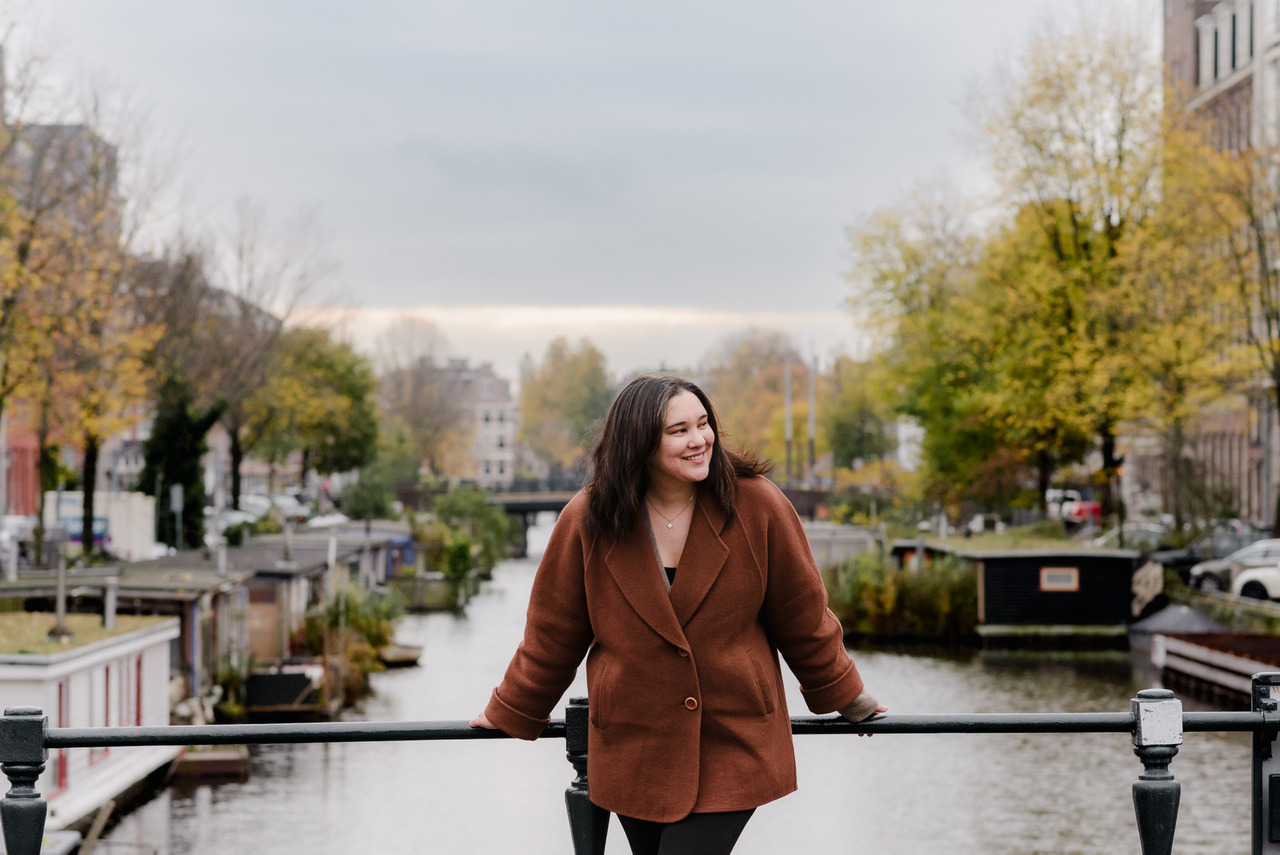
I want to know what you're doing before and after your session, where you're staying or coming from, what matters to you and anything else you're comfortable sharing that can help me plan. That information affects real decisions.
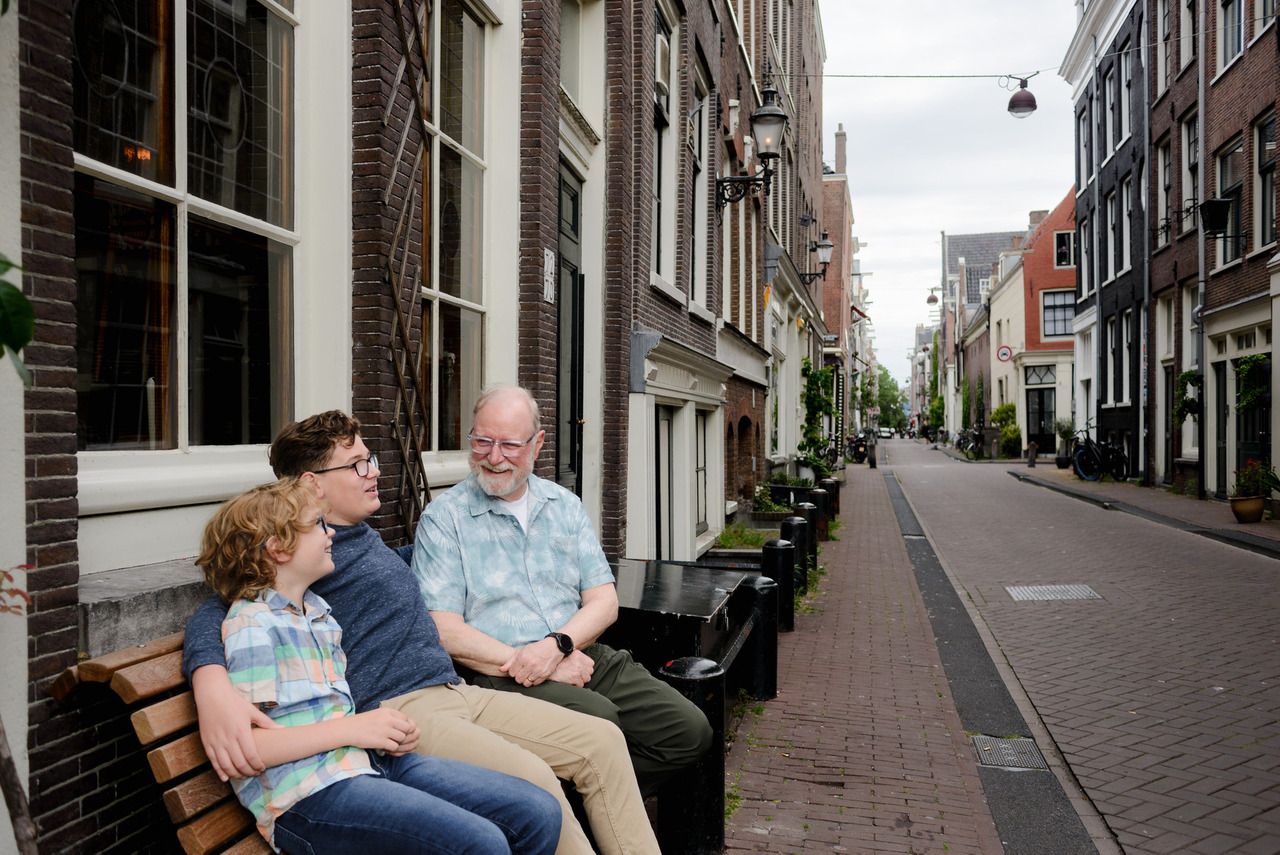
If you're travelling with children, I don't want to create a route that unnecessarily adds another long walk to your holiday. If you're planning a proposal, I might design the route so there is a completely natural reason to pass the exact spot where you're going to propose.
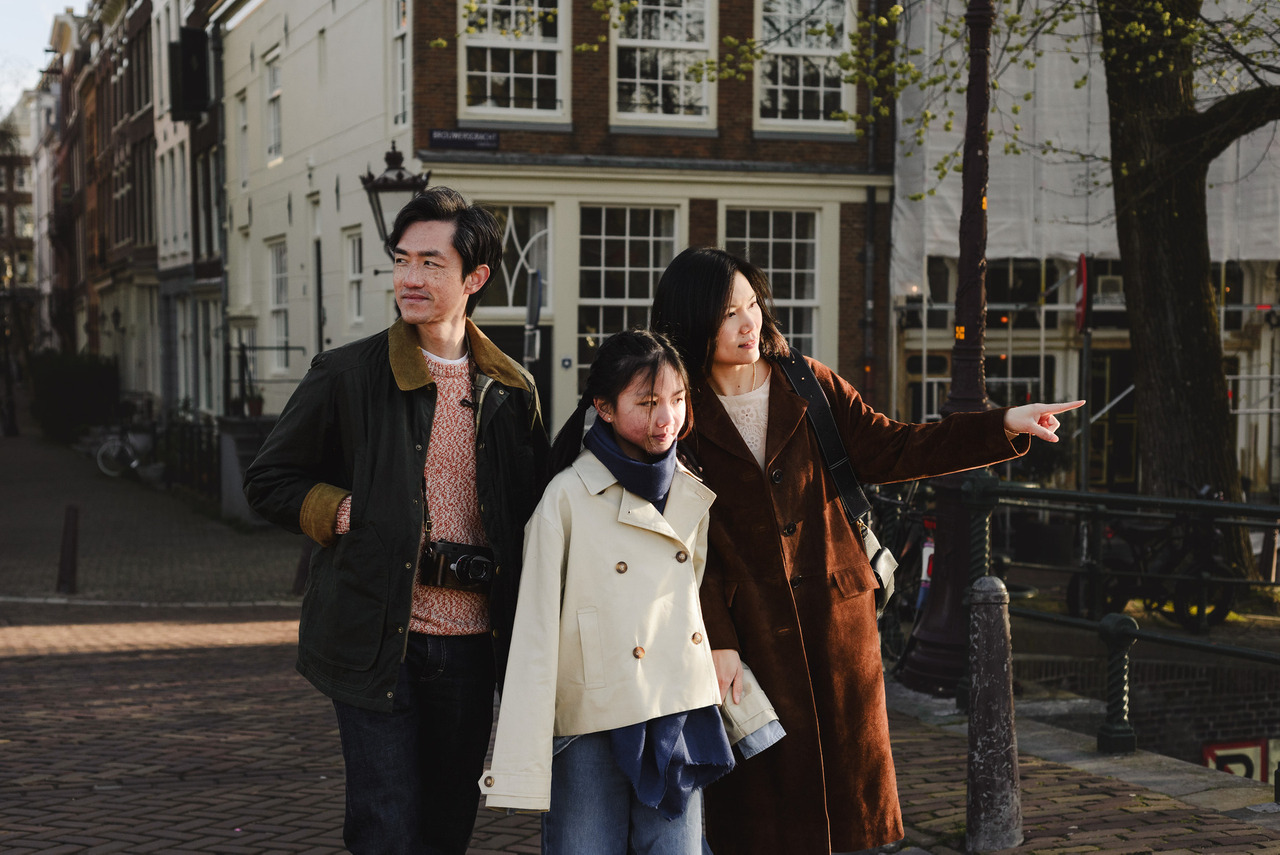
Sometimes something as simple as the day of the week changes my recommendation. There are areas of Amsterdam I wouldn't choose at certain times because streets are being cleaned, construction is happening or an event is changing how the city normally works. My job is to work around the city, rather than making you work around the photo session.
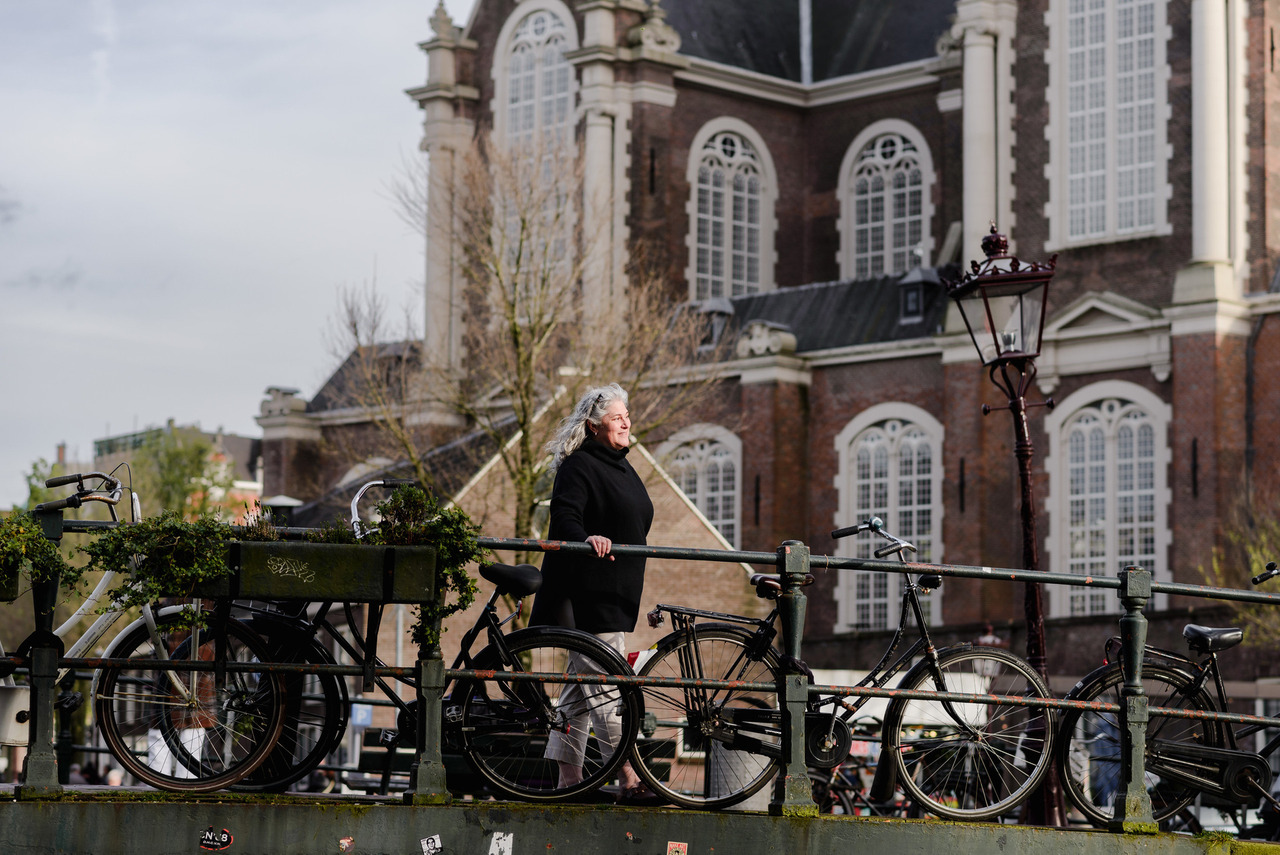
Another important step on my workflow is how backup works, and this is essential. The memory cards don't sleep in my camera. When I come home after a session, the cards come out of my camera that same day. The files are immediately copied to an SSD. At this stage, I have one copy on the original memory card and another on the SSD. Only then does the selection process begin. And this is where Narrative Select enters the workflow.
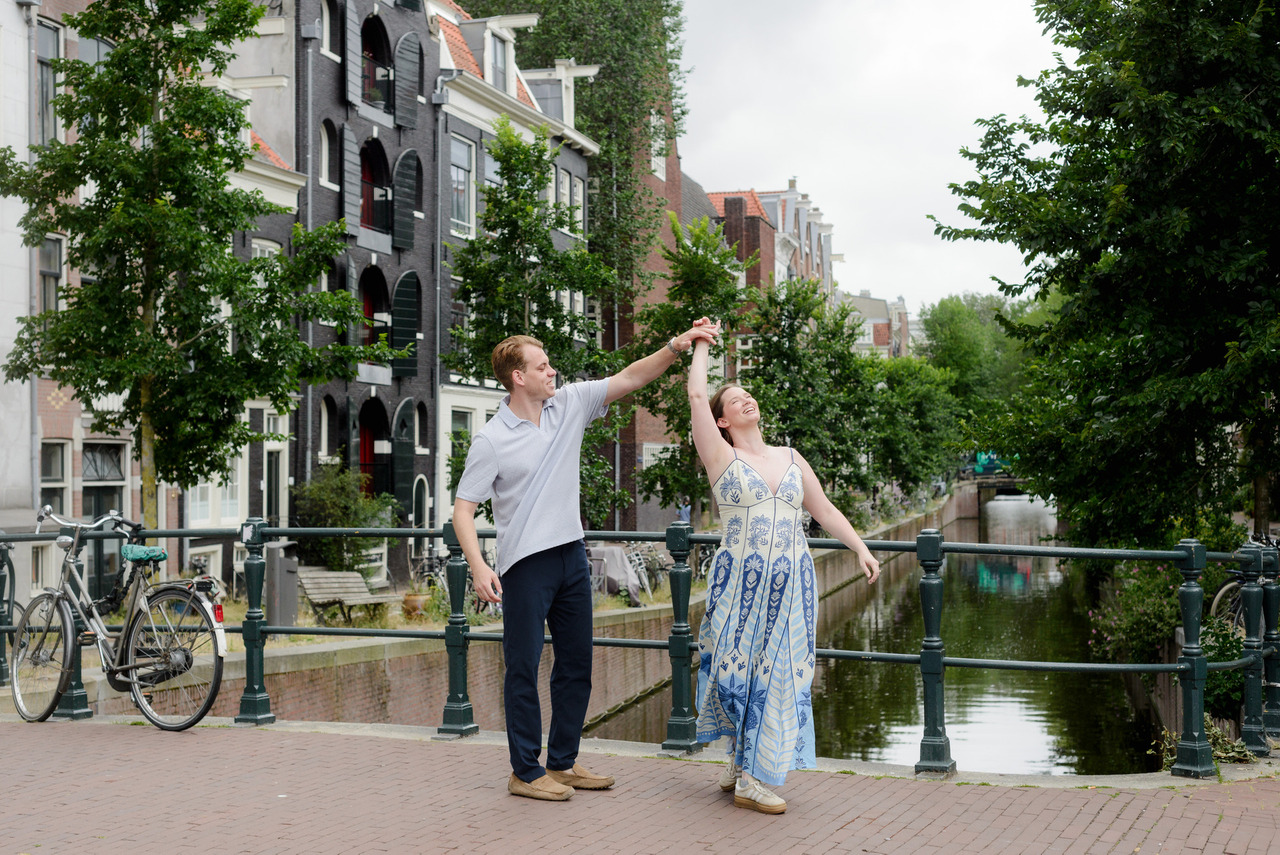
I use AI to check photographs. I don't use it to choose your memories. During a photo session, I can photograph a moment several times and someone might blink. Focus might land slightly differently if a bike passes suddenly in between us. Narrative Select helps me organise those photographs according to technical information, particularly focus when faces are visible. This means I can start by reviewing the technically strongest frames from each sequence instead of manually searching through every nearly identical photograph from the beginning. That saves an enormous amount of time, but it doesn't create the final gallery.
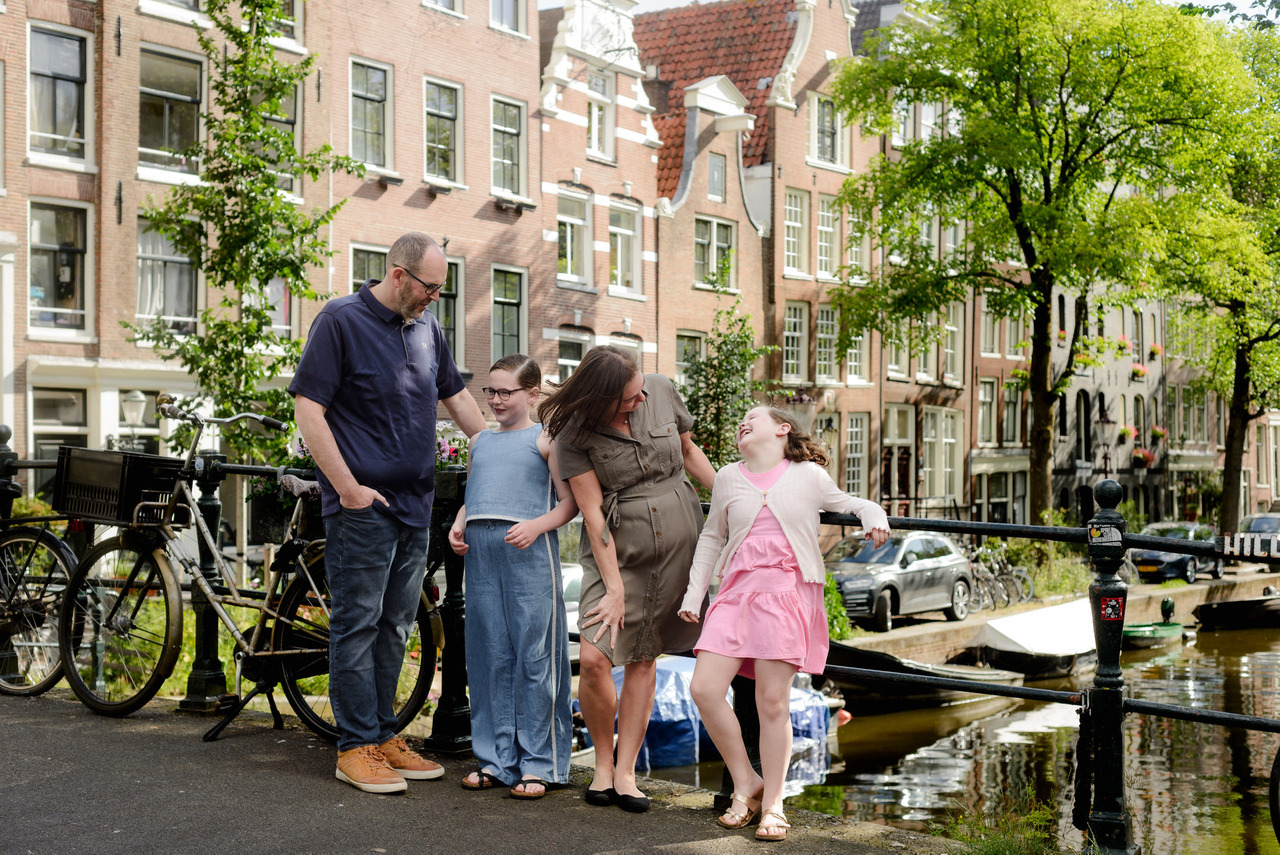
Narrative Select doesn't know that the photograph of the back of two people walking away is important to the story. It can't properly evaluate a photograph of an engagement ring when there isn't a face to analyse. It doesn't know that a particular expression lasted half a second and meant something during the session. I remember what we photographed.
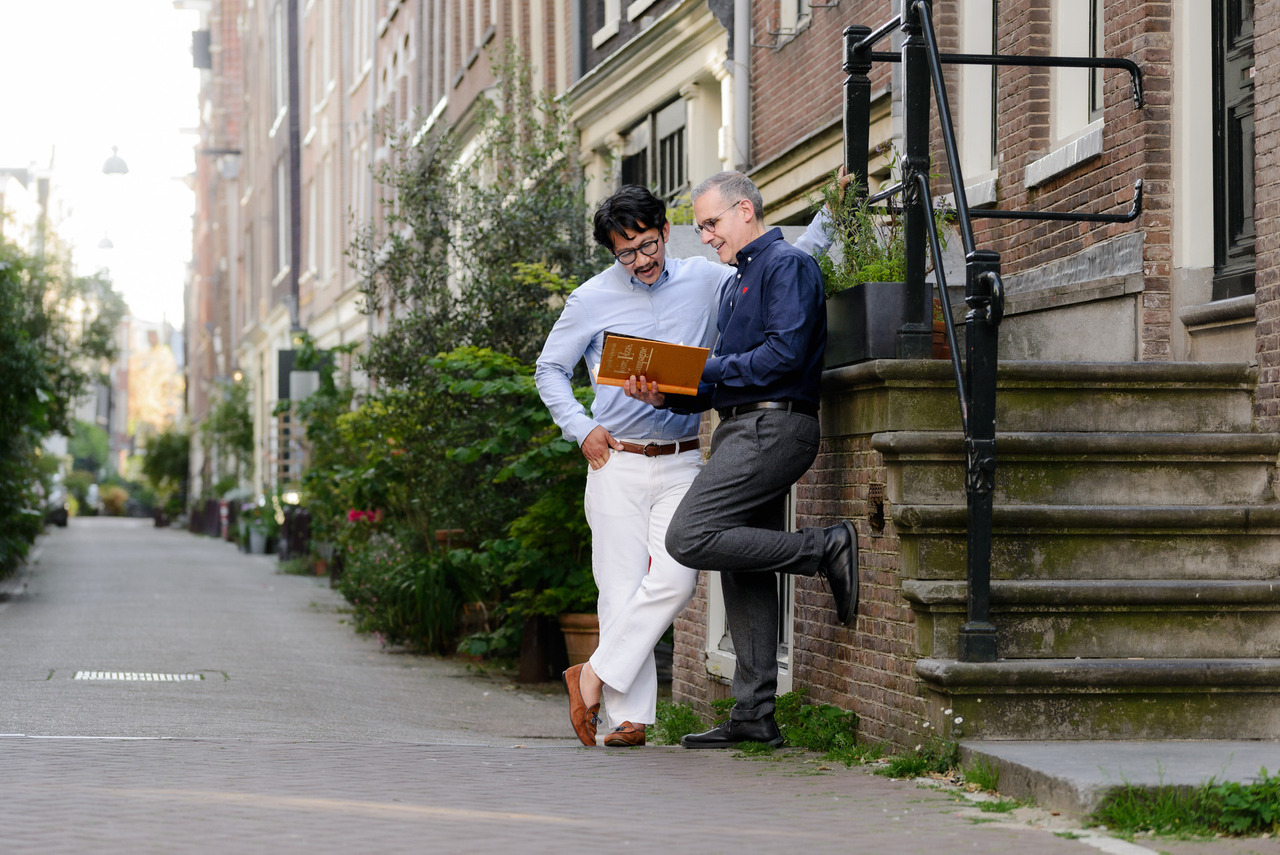
If I know a moment should be there and I can't find it in my initial selection, I go back. Sometimes I go into the second group, sometimes the third, and sometimes I need to check everything. The technically highest-ranked photograph isn't automatically the photograph that deserves to be delivered.
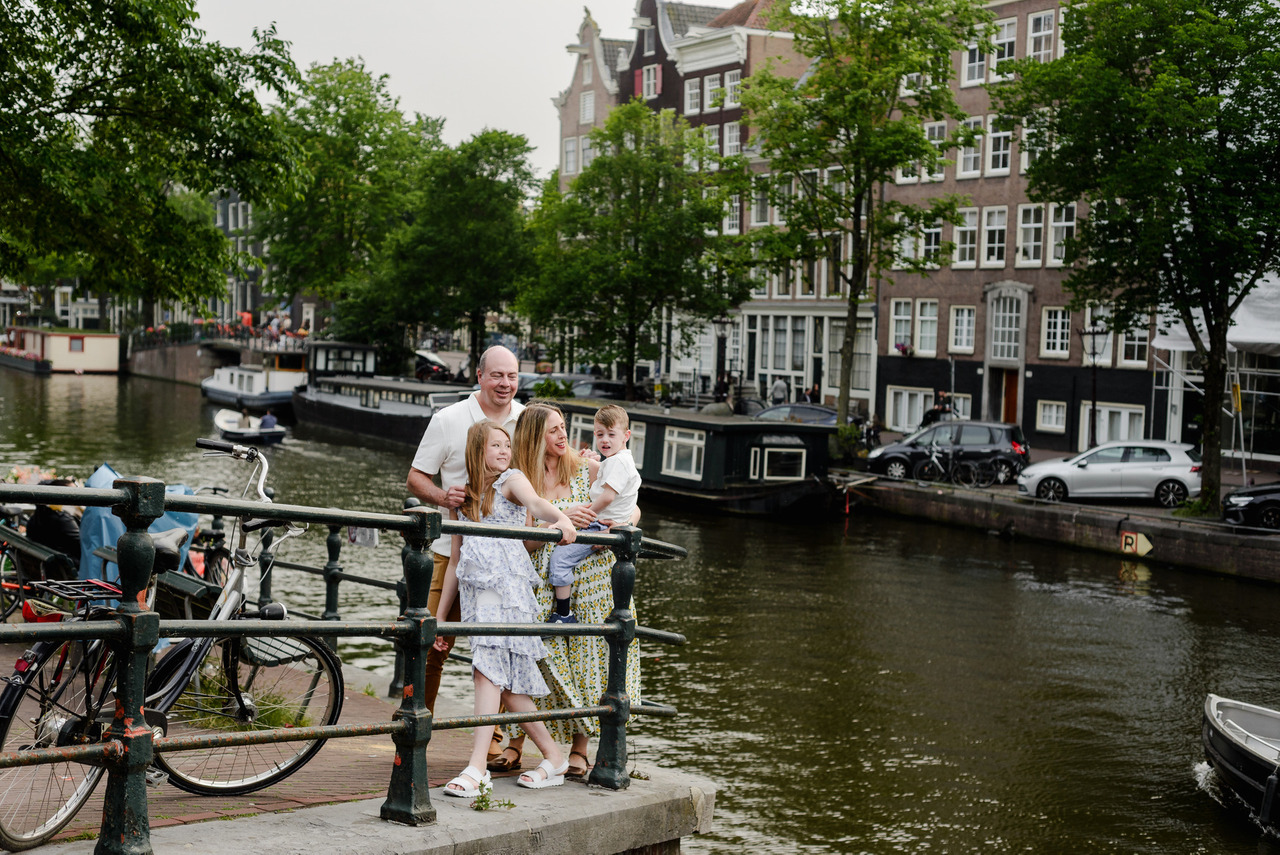
How do I know when the selection is finished? When the story is complete. I start understanding that story while I'm photographing you. As we walk, talk and move through Amsterdam, I'm already building the beginning, middle and end in my head. I remember the interactions, the places we stopped, the things that happened unexpectedly and the photographs I made along the way. When I'm selecting, I'm looking for all of those pieces again.
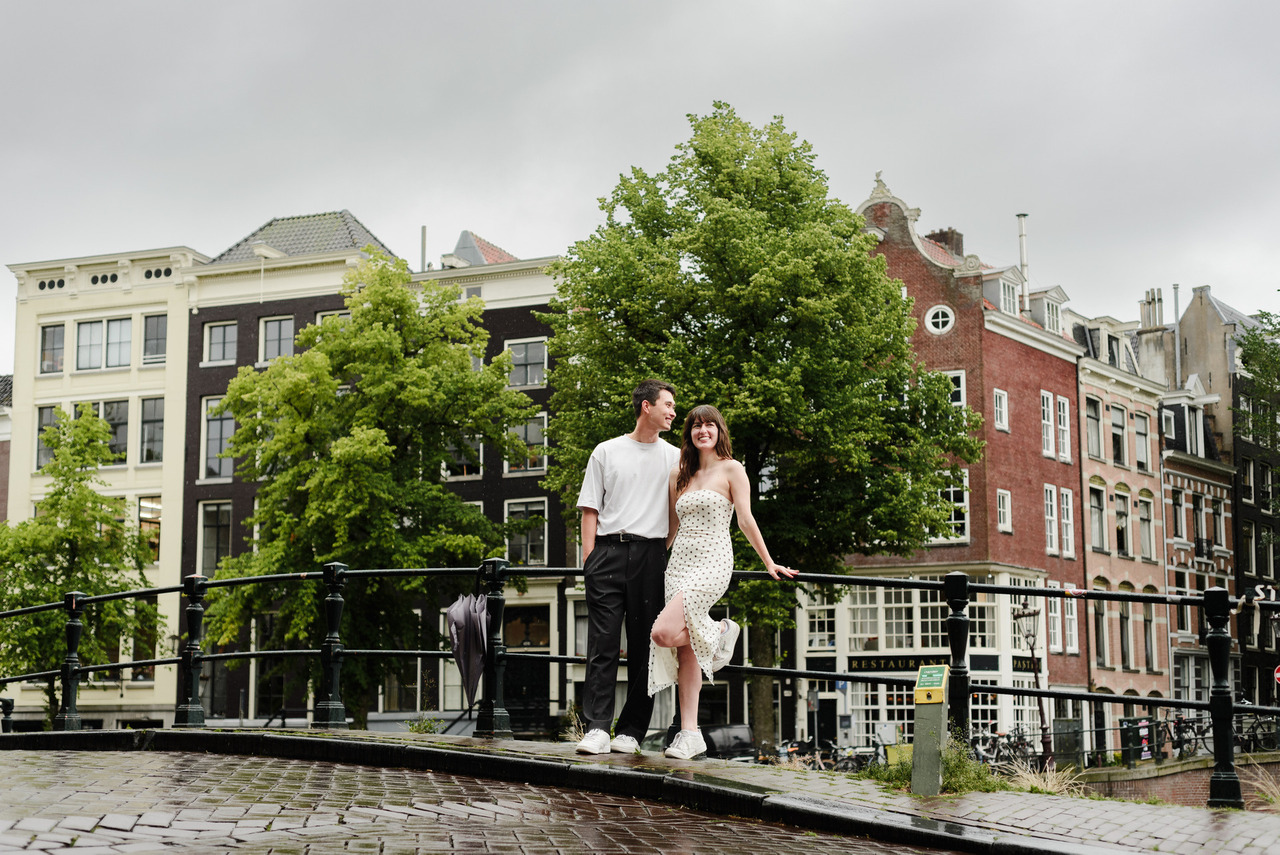
I don't want 50 technically perfect photographs that repeat the same three moments. I want a gallery that brings you back to the experience. Only when I can see that complete story do I consider the selection finished.
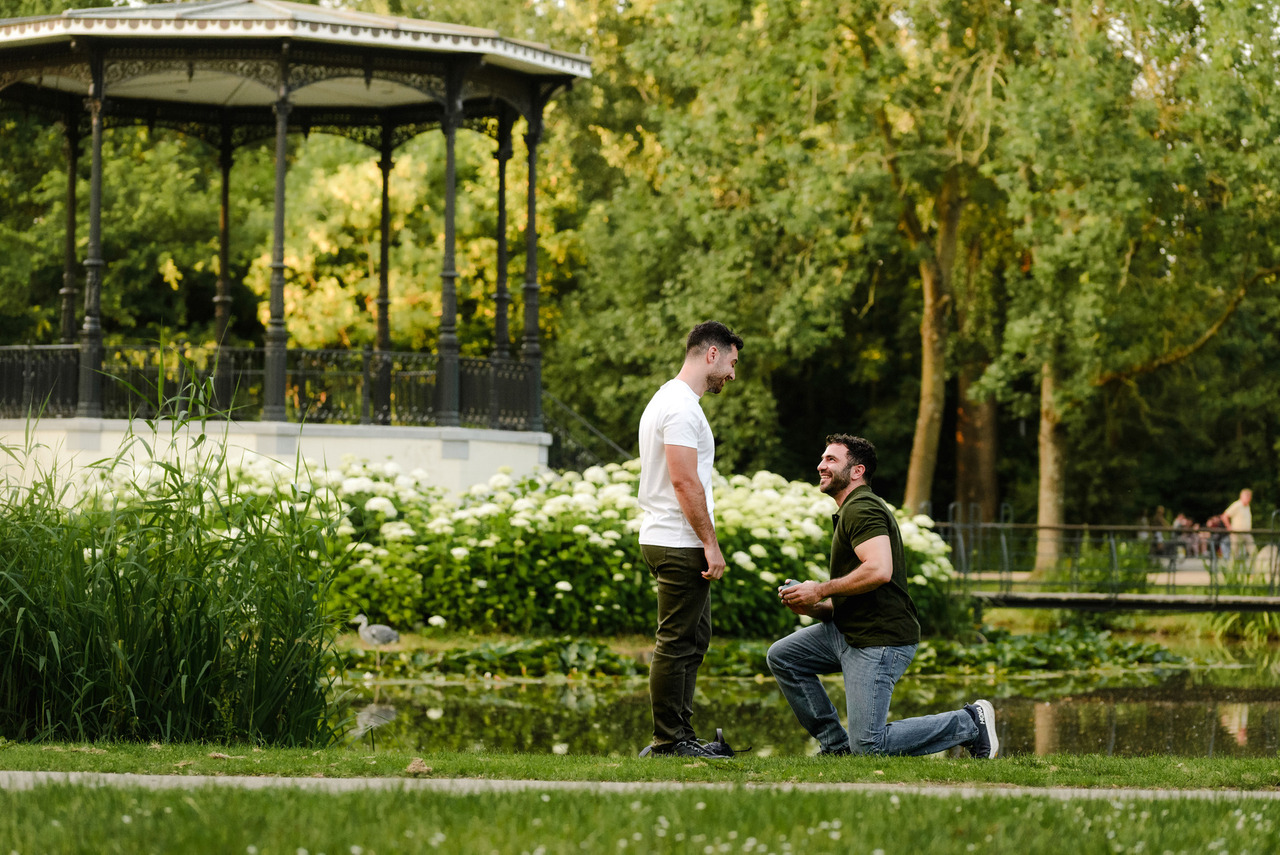
The selected photographs move into Lightroom. This is where I work on exposure, colour, crop, straightening, contrast and skin tones. I want the collection to feel consistent, but consistency doesn't mean applying exactly the same settings to every photograph as natural light doesn't work that way. We might begin with clouds, suddenly have full sun, walk into the shadow of a building and then cross a bridge where the direction of the light changes completely.
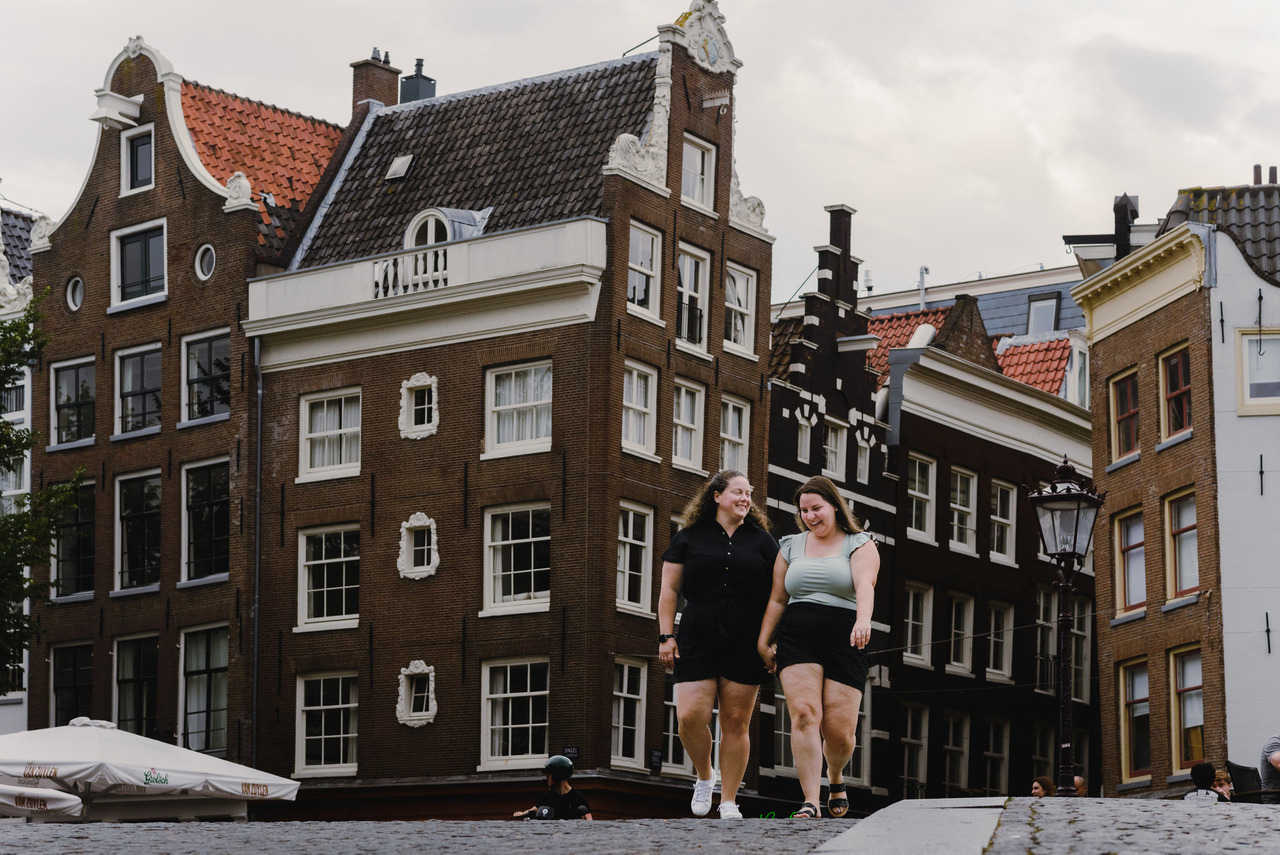
Every photograph needs to respond to the light that actually existed when I took it. There is always a moment during editing when I finish working on one photograph and say out loud: “I found the colour of this session.”
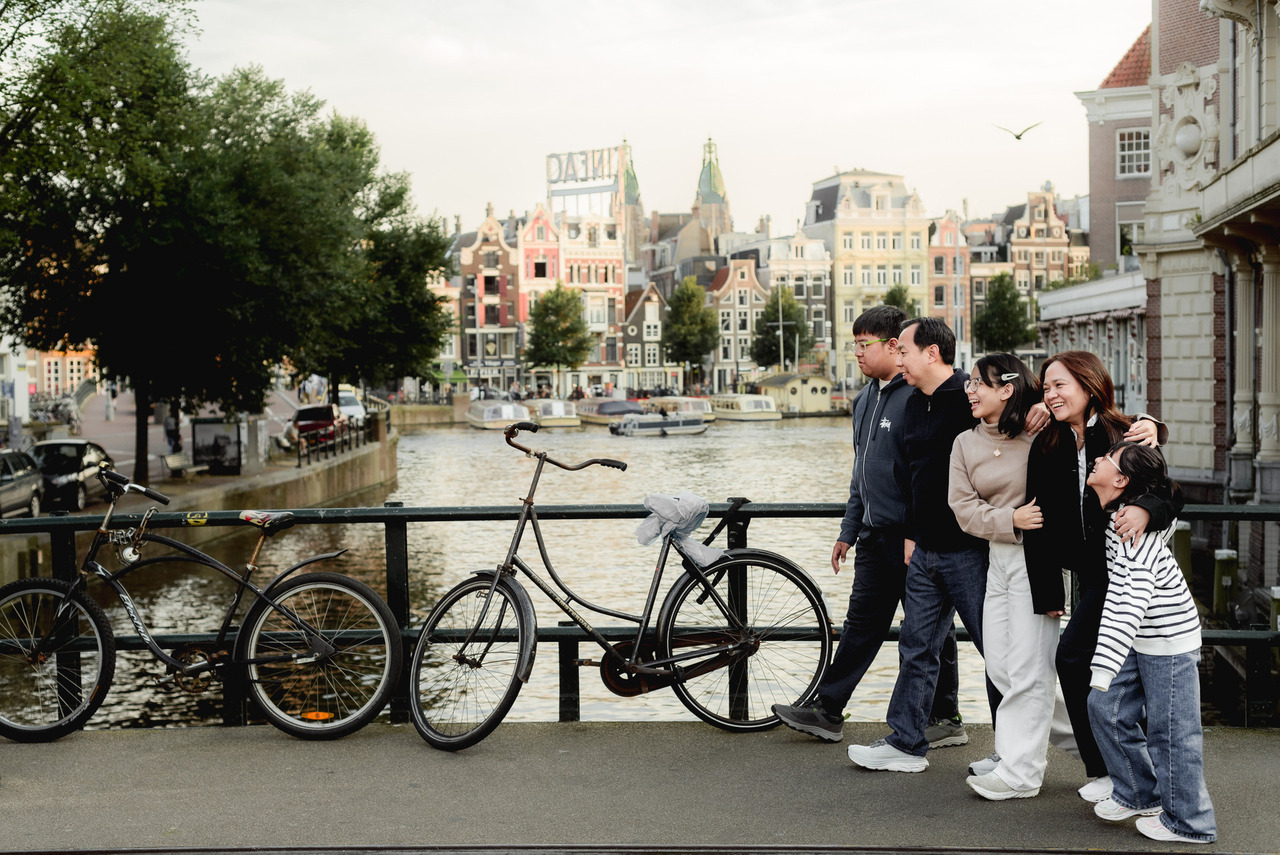
I love that moment. It gives me the foundation for the gallery, but it still isn't a one-click preset. I continue adjusting individual photographs because light, skin and surroundings change throughout a session. Consistency, to me, means that your gallery belongs together, not that every client I've ever photographed needs to look exactly the same.
What gets removed from a photograph?
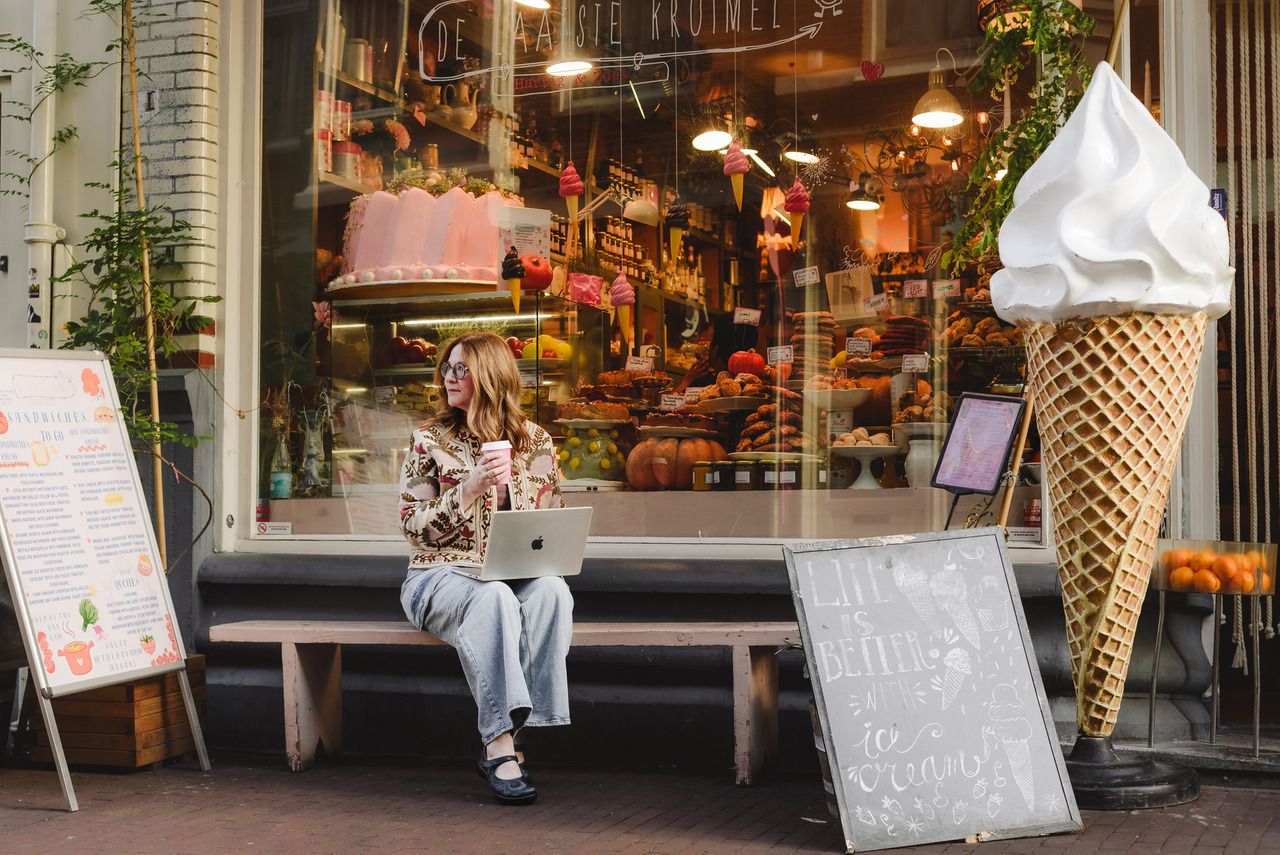
My editing is primarily colour correction, but Amsterdam doesn't always cooperate perfectly. There might be rubbish on the street, a temporary sign, or someone walking through the background at exactly the wrong second. If something is temporary and adds nothing to your story, I may remove it. I think of the result as a beautiful version of the truth.
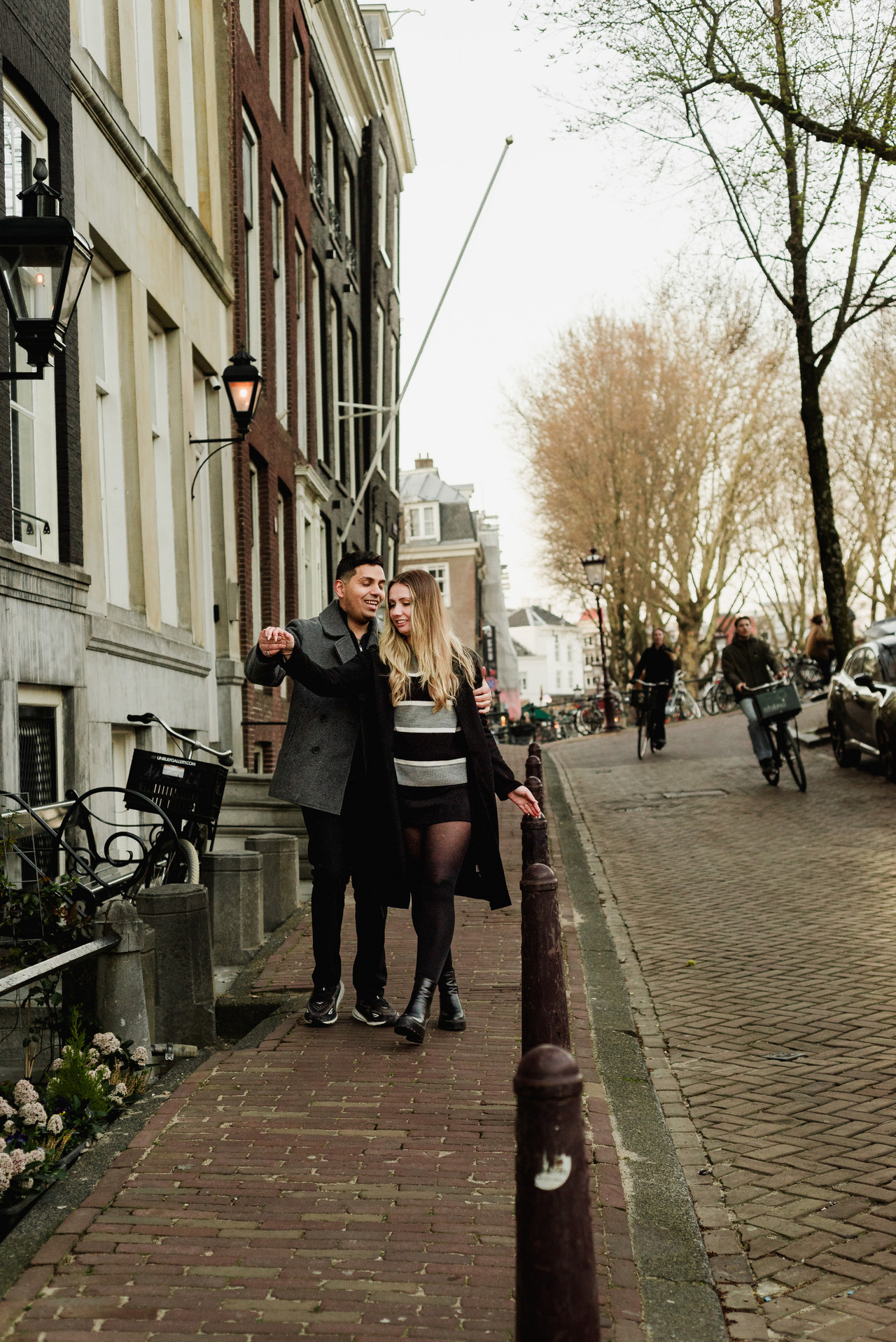
I'm not trying to replace Amsterdam with a city that didn't exist. I'm removing distractions that could have disappeared naturally if we'd waited another minute. Small corrections can sometimes be handled with Lightroom's tools. More complex work goes to a human retoucher who works manually in Photoshop. That's a deliberate decision too.
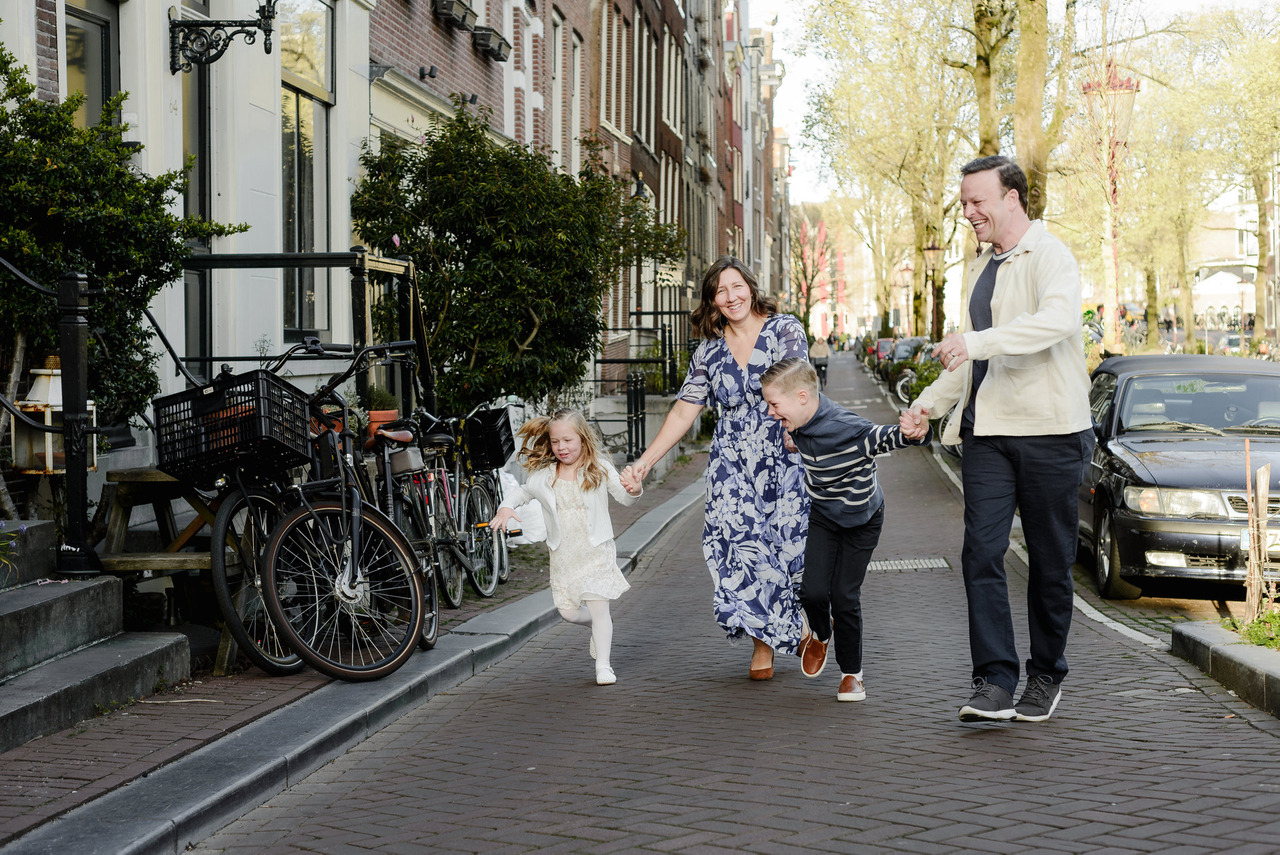
Generative AI has become remarkably capable, but I can still see instances where architecture doesn't make sense, floors change unexpectedly, windows are reconstructed incorrectly or plants suddenly appear where they shouldn't. I don't want software inventing Amsterdam for me. For complex retouching, I still want a person making those decisions.
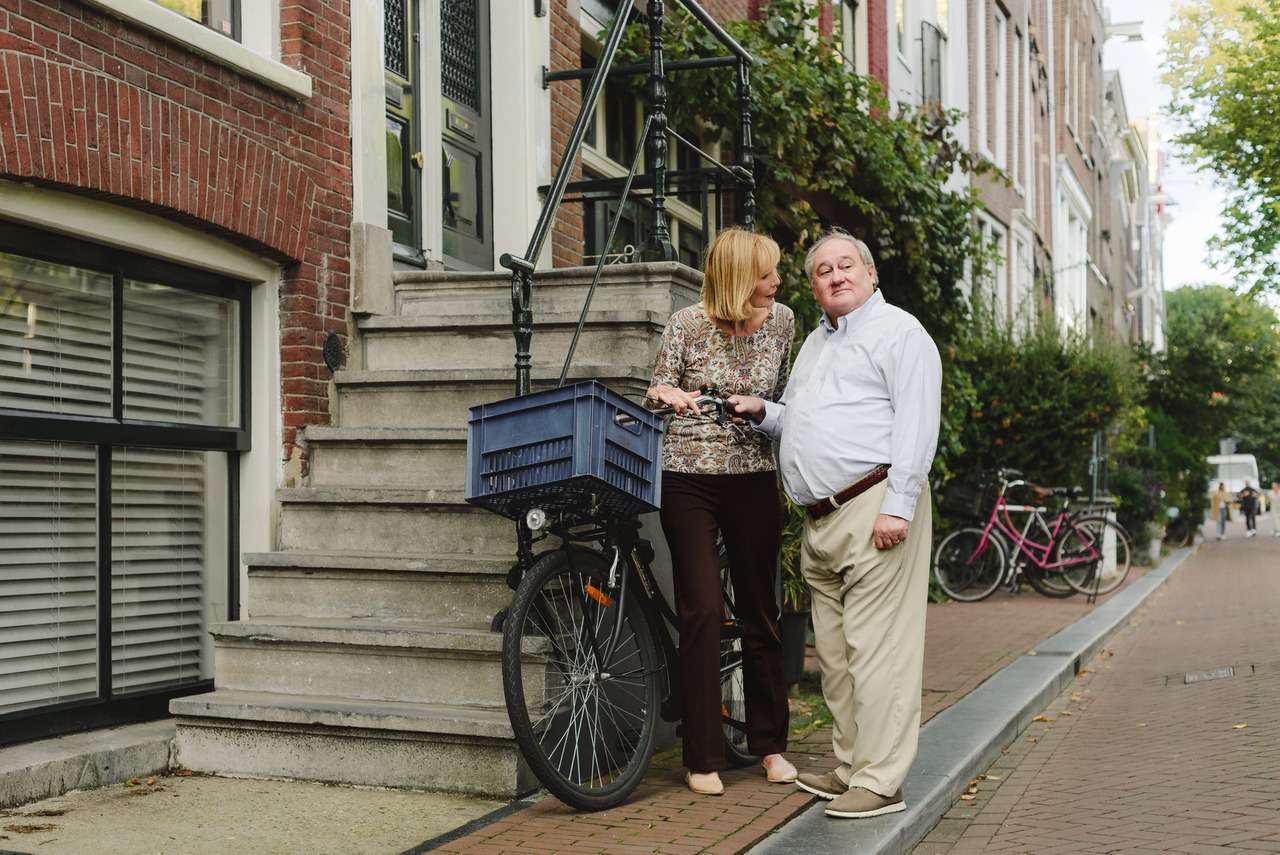
What happens when a photograph isn't technically perfect but the moment matters?
Occasionally there is a photograph I don't want to lose. Perhaps we moved quickly from very dark light into bright sunlight and the exposure changed faster than expected. Maybe something happened during that transition that existed for only a second. If the photograph is important enough to the story and I can create a beautiful final image from it, I will try. Sometimes that means delivering it in black and white.
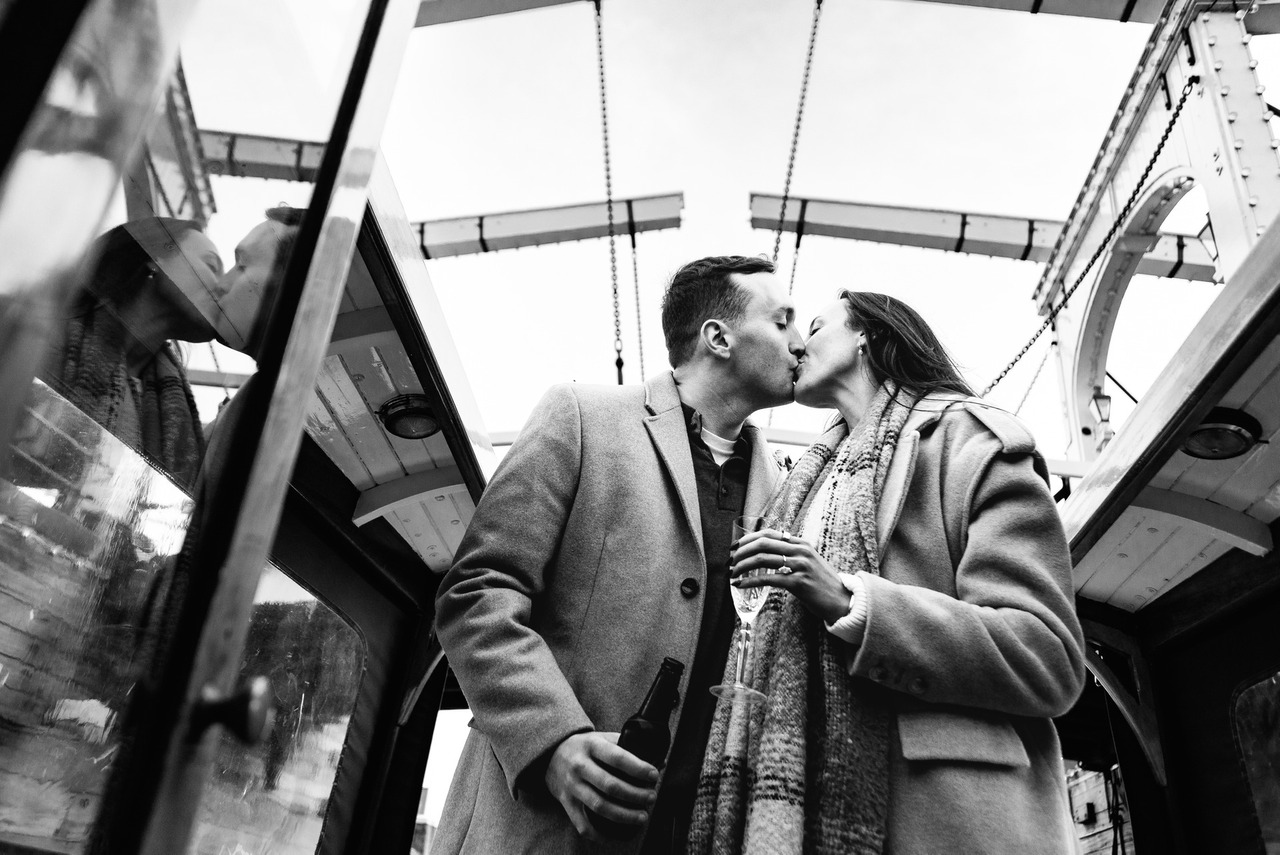
I photograph and deliver primarily in colour, so when you receive a particular photograph only in black and white, there is often a reason. It may be the version that allowed me to preserve an important moment that otherwise wouldn't have made the gallery. The story comes first.
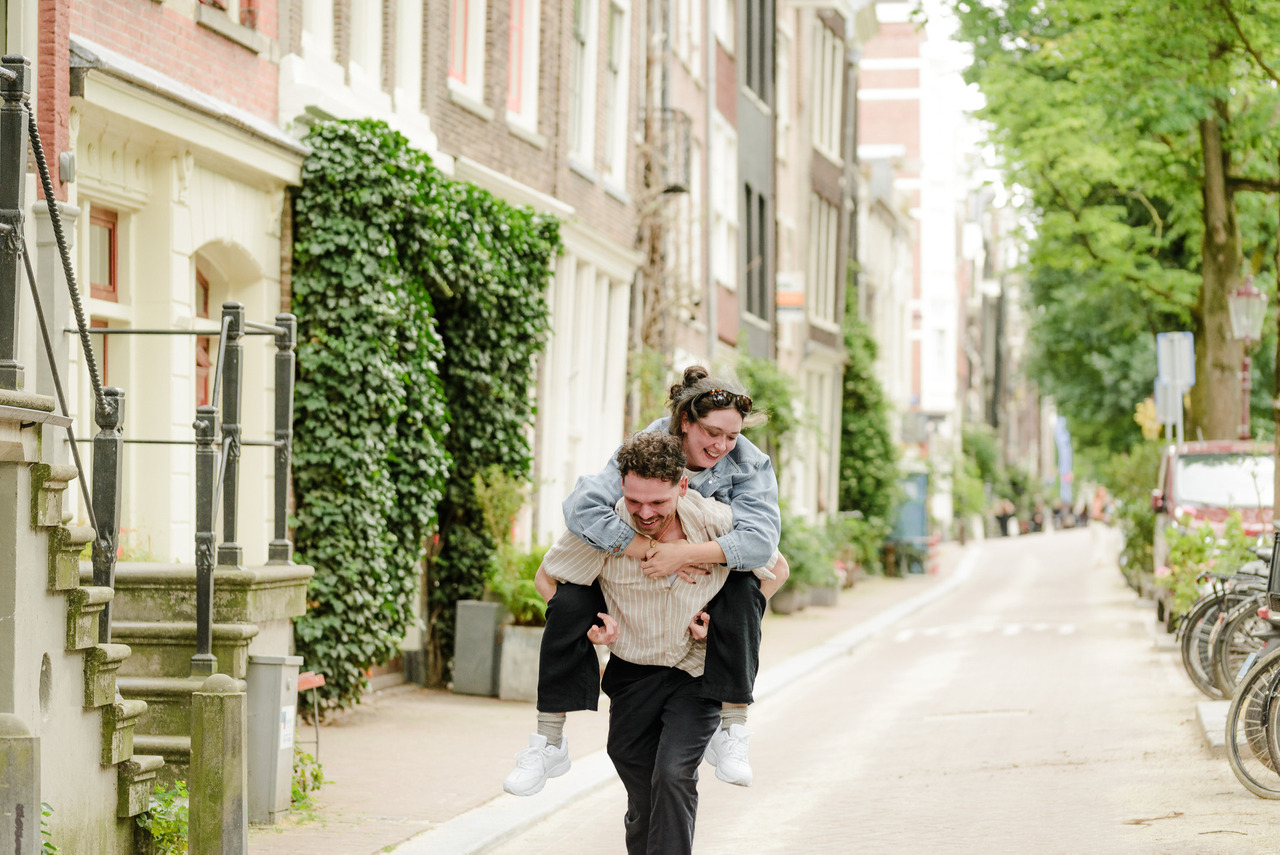
Once the editing is finished, I export the photographs from Lightroom at high resolution. Those files can be very large. An individual photograph might initially be around 30 MB.
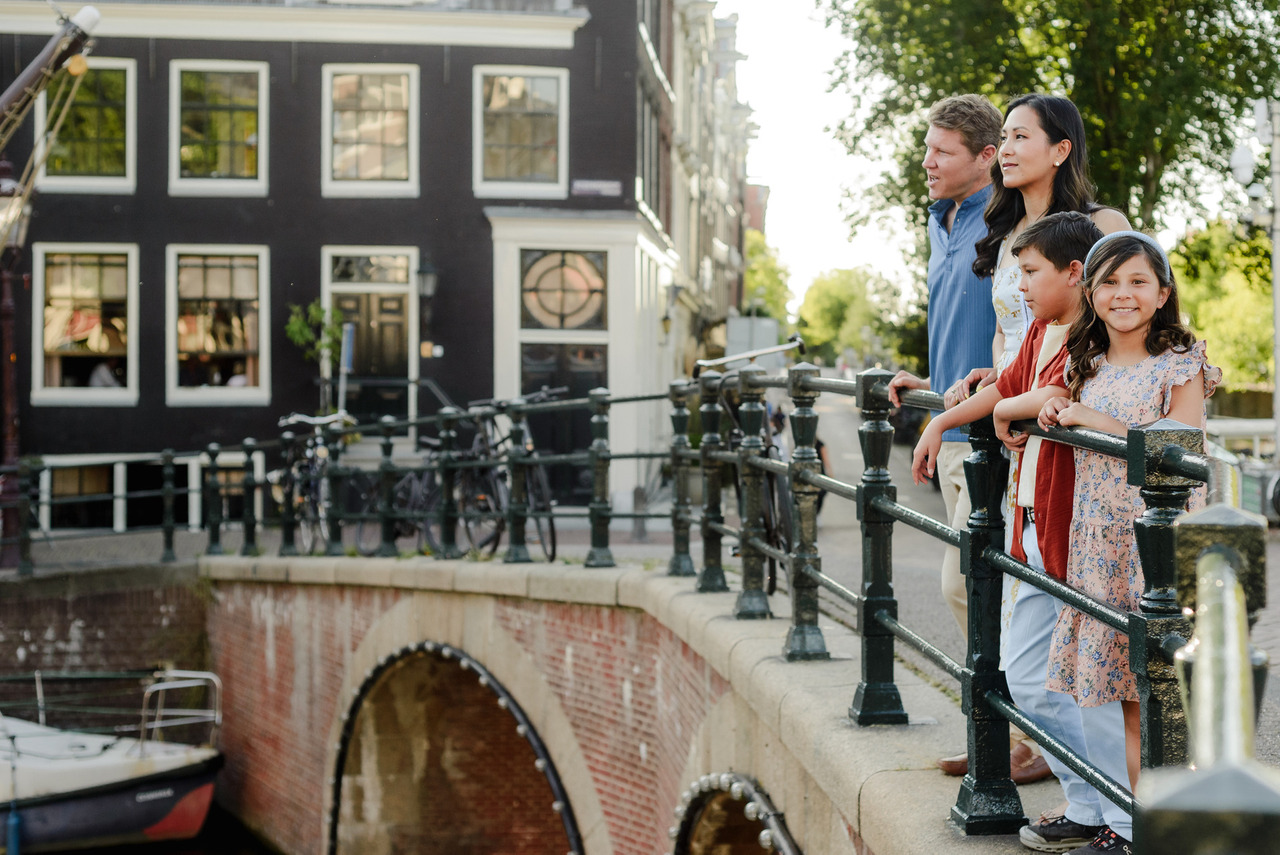
Before uploading the gallery, the photographs go through JPEGmini. I use high-quality optimisation settings that reduce unnecessary file weight while preserving the image quality I want to deliver.A file that began around 30 MB might finish closer to 12 MB. Across an entire gallery, that makes a meaningful difference when you're downloading, storing and backing up your photographs.
Most of my photography is created for personal use, so this workflow is designed around how my vacation photography clients will realistically store, print and share their photographs. Commercial and branding photography can have different requirements. If the agreed usage requires larger files or a different type of delivery, I prepare the final files accordingly, which may mean changing or skipping this optimisation step altogether. Then everything returns to Pixieset.
How I recommend downloading your gallery
Your Pixieset gallery gives you different download options. For your permanent archive, I recommend downloading the complete gallery in high resolution to a computer and keeping a backup. For individual downloads, my galleries are configured to provide files at 3,600 pixels on the longest side. Pixieset also provides a social-media download option.
Those smaller files are useful on your phone and for sharing online. Instagram, Facebook, WhatsApp and other platforms process and compress uploaded photographs anyway, so you don't need an enormous original file sitting on your phone every time you want to share an image.
Think of it simply:
- Computer and backup: complete high-resolution gallery.
- Phone and sharing: optimised versions.
Privacy comes before content
Delivery isn't the end of the system. Before any client photograph appears on my website or social media, privacy comes first. Every Pixieset gallery includes a client password that allows clients to mark either individual photographs or the complete gallery as private. After the privacy period, I separate those photographs from anything that can enter my content workflow. Private means private.
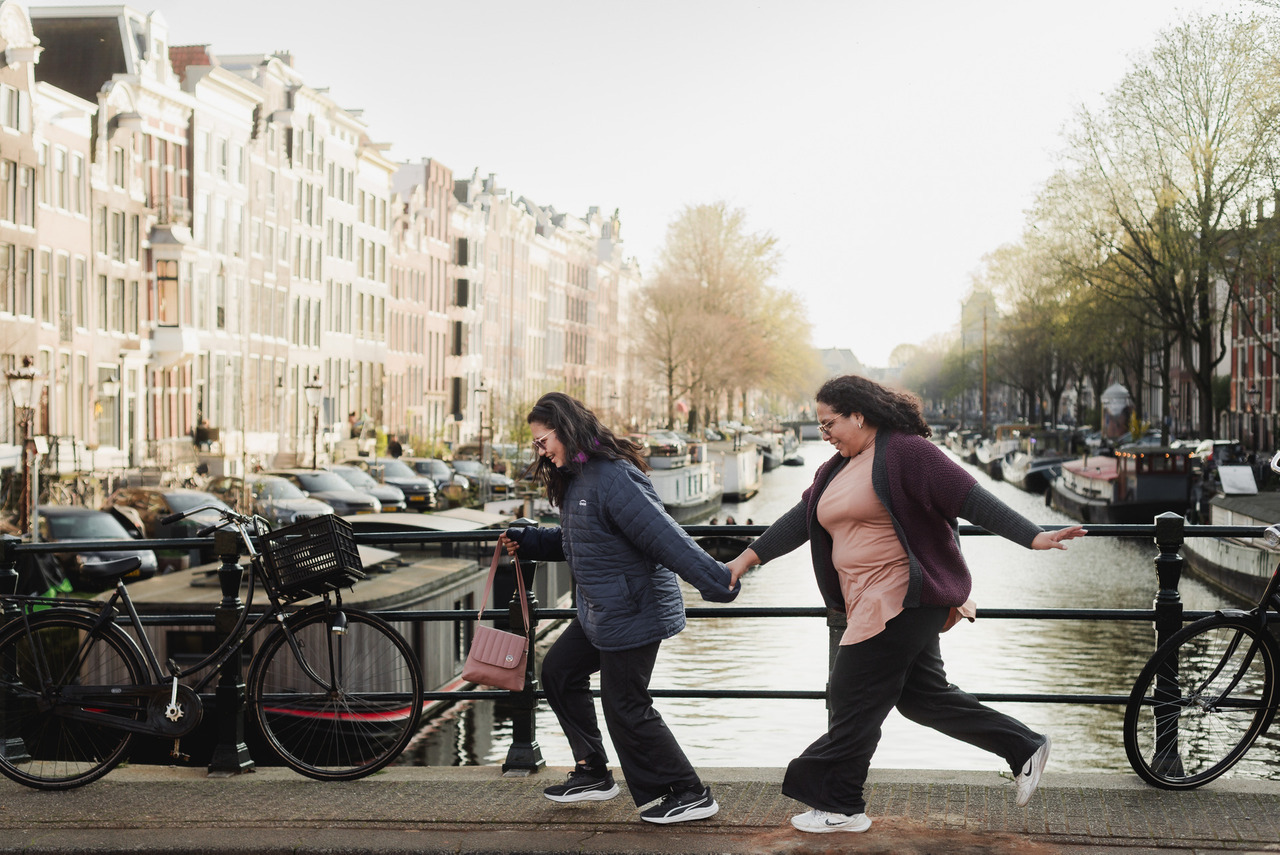
Those images remain in a separate archive and don't become candidates for my portfolio, gallery posts or social media later, even if I'm revisiting the session a year from now. Before sharing anything publicly, I review the gallery again.
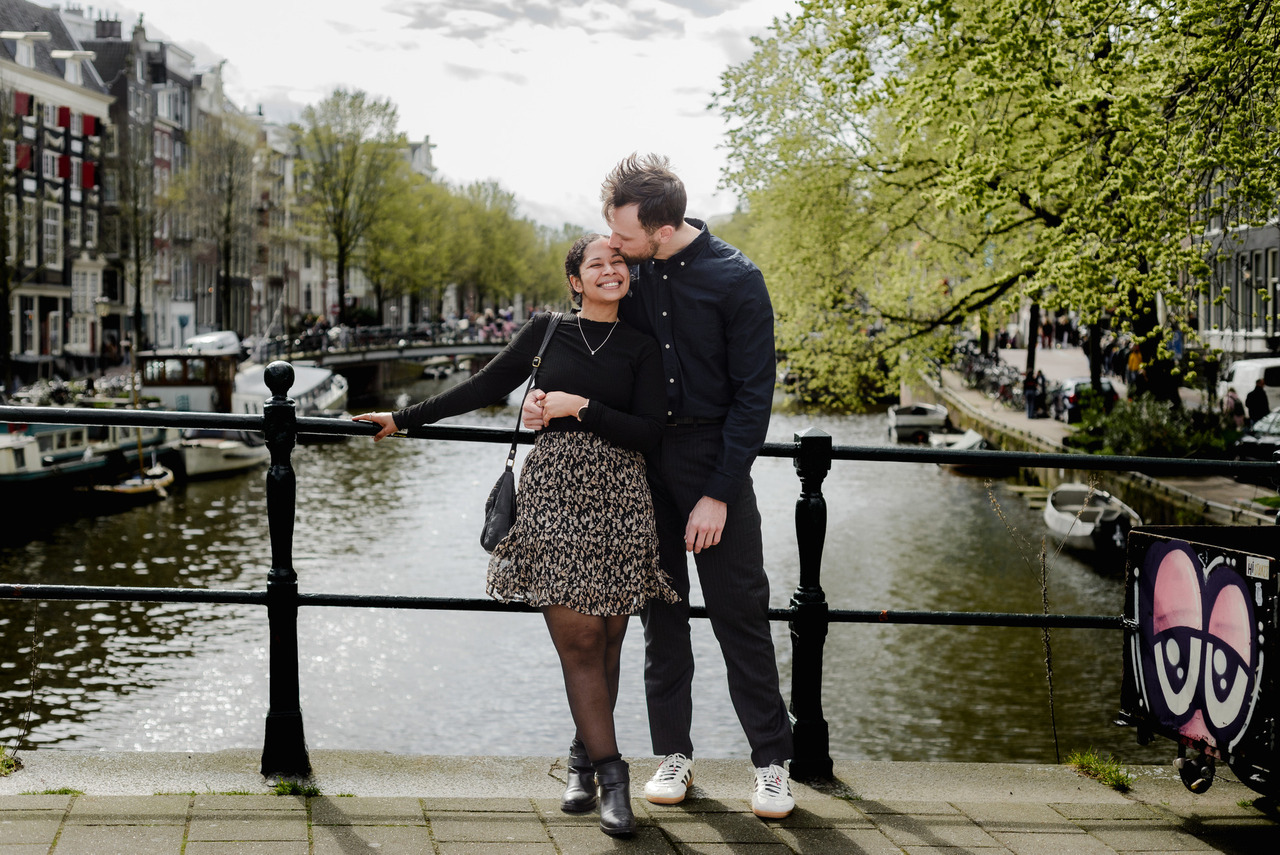
Only then does Canva enter the workflow The photographs you see on my Instagram are not simply pulled randomly from a client's gallery. Once I know which photographs are available for sharing, I make another selection specifically for the story I want to tell publicly. Sometimes that story comes from something the client wrote in their review, or an experience during the session that might help another family or couple.
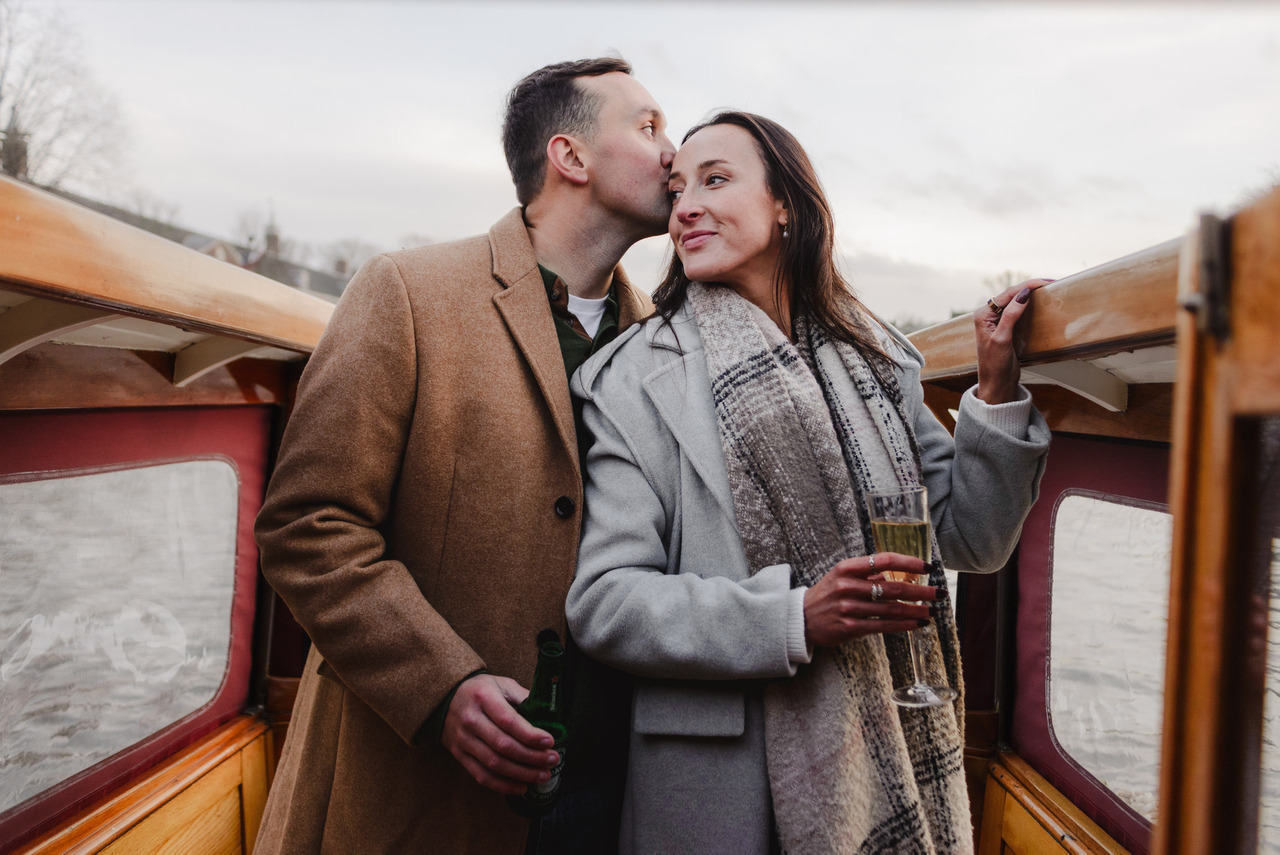
I also deliberately avoid sharing more personal information than is necessary. A client's story can inspire a post without every private detail of their life becoming content. Canva helps me bring horizontal and vertical photographs together, design carousels and make a larger gallery easier to experience in ten slides. I usually don't use the full 20 slides that Instagram allows you. In my experience, ten slides is enough.
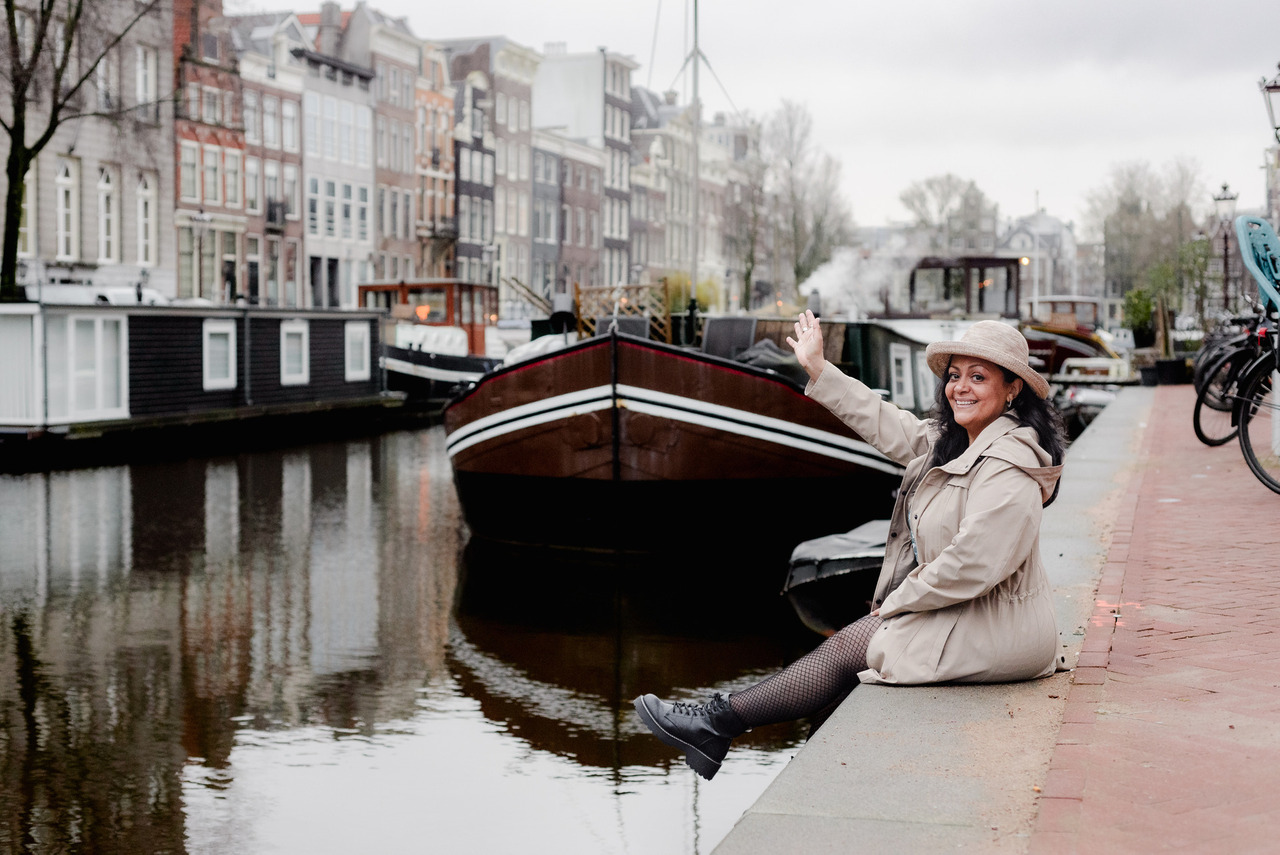
At this point, the photography has already been delivered, weeks ago. Content comes afterwards.
What would I automate next?
Probably the boring part. I'd happily have a system that, after my final approval, automatically sends the exported files through JPEGmini, uploads them to the correct Pixieset gallery and prepares everything for my review. That would save time without making a single creative decision for me, and that's exactly where I draw the line.
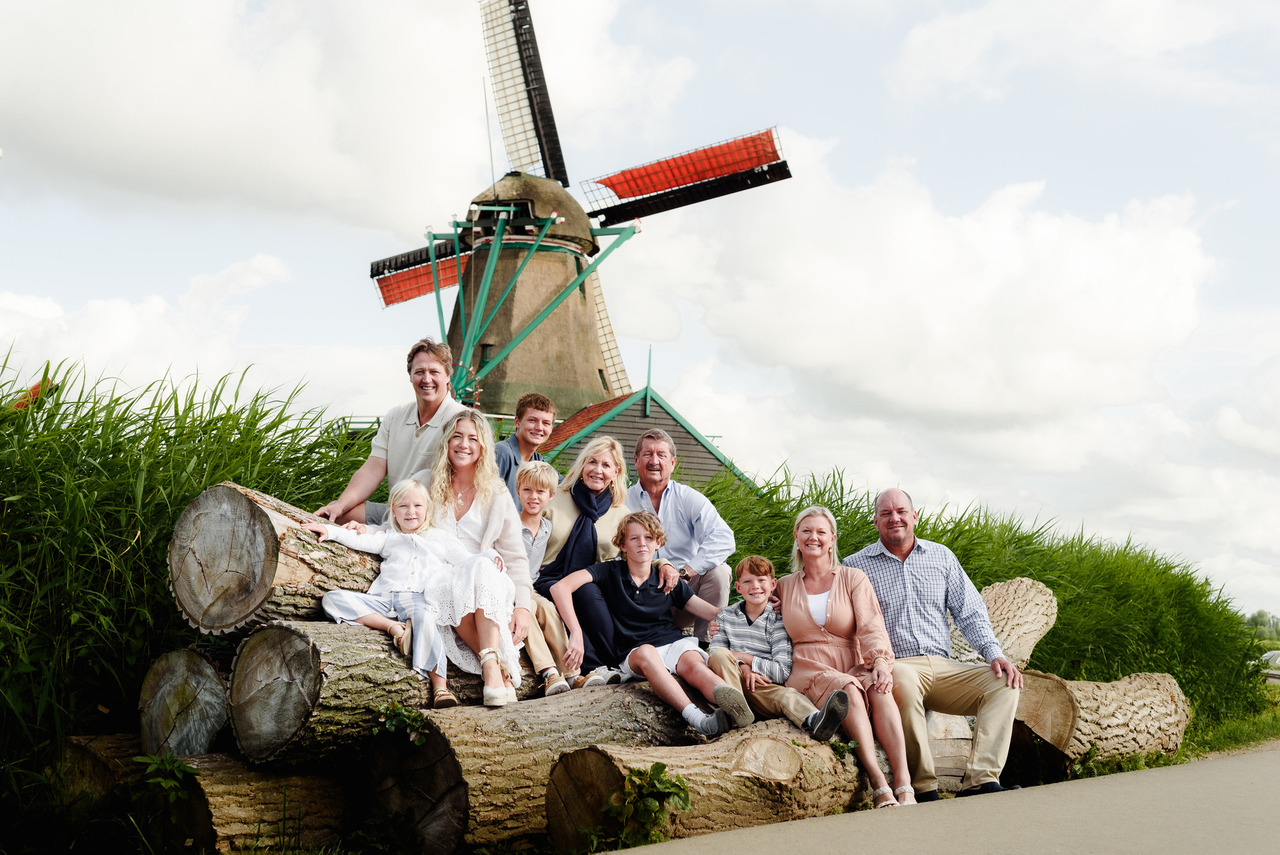
If technology can reliably perform a repetitive action, organise information or remove unnecessary manual work, I'm interested. If something requires understanding what happened, deciding what matters, interpreting a person's expression, reconstructing a complex part of Amsterdam or deciding whether a gallery tells the complete story, I want a human making that decision. The tools aren't the workflow. The decisions are.
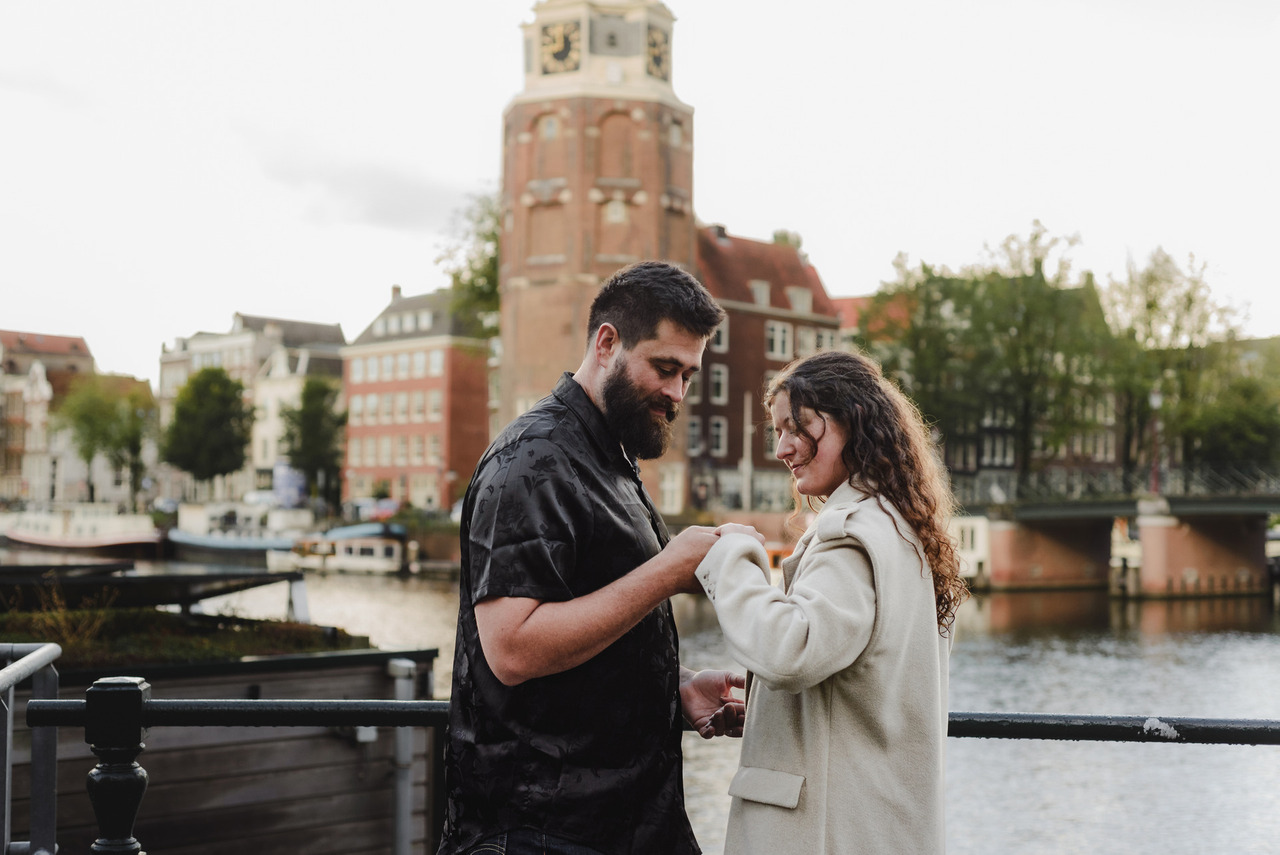
A photo session can look wonderfully simple from the outside. We meet. We walk around Amsterdam. I take photographs. A few days later, a gallery arrives. That's exactly how I want it to feel for you. Behind that simplicity is a system I've been refining for years.
The tools have changed over the years, and they will probably continue changing. The system will evolve too. But its purpose remains the same: to create consistency, protect the moments that matter, and give me more time for the decisions that require me.
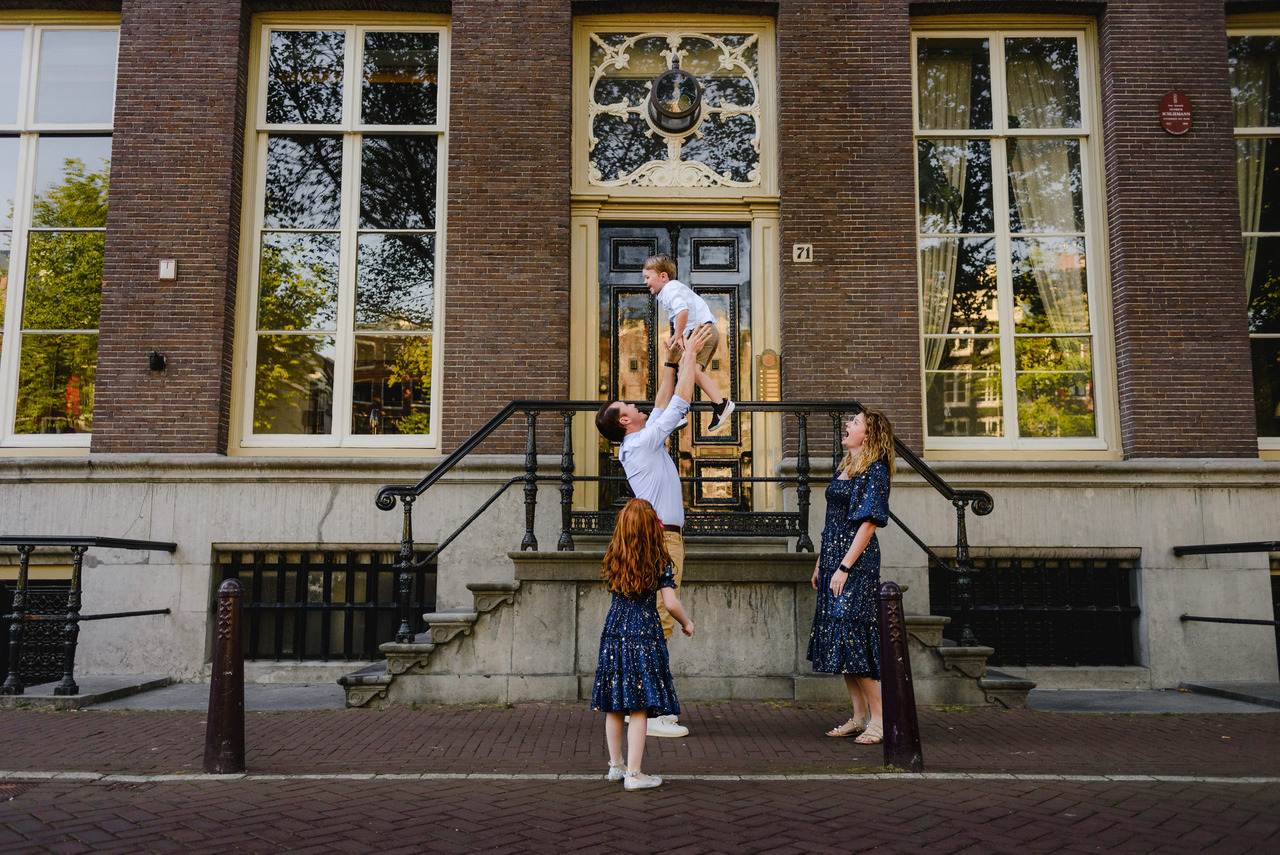
Technology can make the process more efficient, but it still can't know why that photograph matters.
Until next time in Amsterdam,
Joanna
Your Vacation Photographer in Amsterdam